Signature file from a photo of paper
Turn a photo of your signature into a clean upload.
Your last job here stopped before it finished
The phone probably ran out of memory. Lighter settings are now on for this tab, so try again — or split a big PDF into parts first.
or drop it here
Your photo never leaves your device.
Output: 276 × 118 px · ≤ 30 KB
Sign on plain white paper with a dark pen. Take the photo from straight above, in good light.
Paper to pixels, done properly
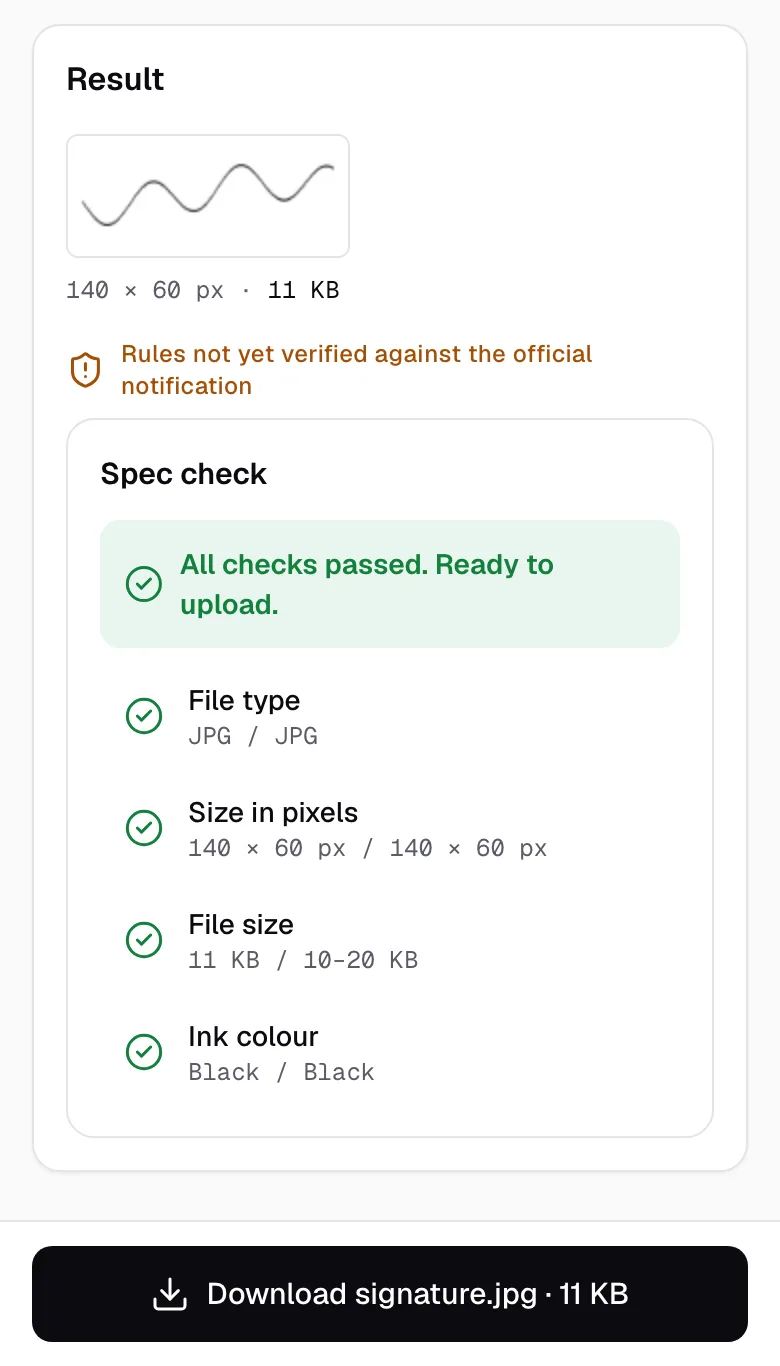
Sign on plain white paper with a dark pen, photograph it, and drop the photo here. We remove the shadows and yellow paper tones, straighten and crop tight to the ink, resize to your exam's dimensions and land the file inside its KB range, with the file name the form expects. The result looks like a scan — because the cleaning is real, not just compression.
Why a raw photo of a signature fails
A phone photo of paper is thousands of pixels of mostly grey shadow, with the actual ink a small part of it. Portals reject it for size, for dimensions, for background, or accept it and display an unreadable smudge. Cleaning first — white paper, dark ink, tight crop — is what makes tiny limits like 10–20 KB easy to meet with a sharp result.
Ink colour and special rules
Some forms require black ink; choose "Make the ink black" and we convert whatever pen you used. A few exams have their own conventions — UPSC's form, for instance, asks for the signature signed multiple times in one image, and the preset explains and checks that. Pick your exam and these rules come along automatically; pick "Other (choose size and KB)" to type dimensions and KB from any other form's notification. As always: notifications change, so read the latest official one before uploading. We are not affiliated with any exam body.
How to photograph your signature
- Sign with a dark pen on plain white paper — gel or fountain pens photograph best.
- Shoot straight from above in good light, with your shadow off the paper.
- Fill the frame with the paper; we crop to the ink ourselves.
If we cannot find ink in the photo, we say so and ask for a better shot instead of producing an empty file.
Private, as a signature must be
Your signature is legal identity. Here it is processed inside your browser and never uploaded anywhere — no server copies, nothing retained.
Finish the set
The same form will want a photograph at its own size, and the upload checker verifies both files against every rule before you submit. For general photo jobs, use the image compressor.
Questions people ask
Which pen should I sign with?
A dark blue or black pen on plain white paper. If your form requires black ink specifically, sign with anything dark and choose "Make the ink black" — we convert it.
The form wants the signature three times. How?
Sign the required number of times, one below the other, on one paper, and photograph it once. Presets with this rule (like UPSC’s) explain it and count the signatures in the result.
Why is my signature photo rejected as "no ink found"?
Usually the photo is too dark or the pen too light. Retake in better light with a darker pen; we’d rather ask again than hand you a blank file.
Is my signature uploaded or stored?
No. The cleaning runs in your browser on your device, and nothing is kept once you close the page.