Compress a PDF to the size you need
Make a PDF smaller, down to the KB a form needs.
Your last job here stopped before it finished
The phone probably ran out of memory. Lighter settings are now on for this tab, so try again — or split a big PDF into parts first.
or drop them here
Your file never leaves your device.
Make it under 100 KB
How it works
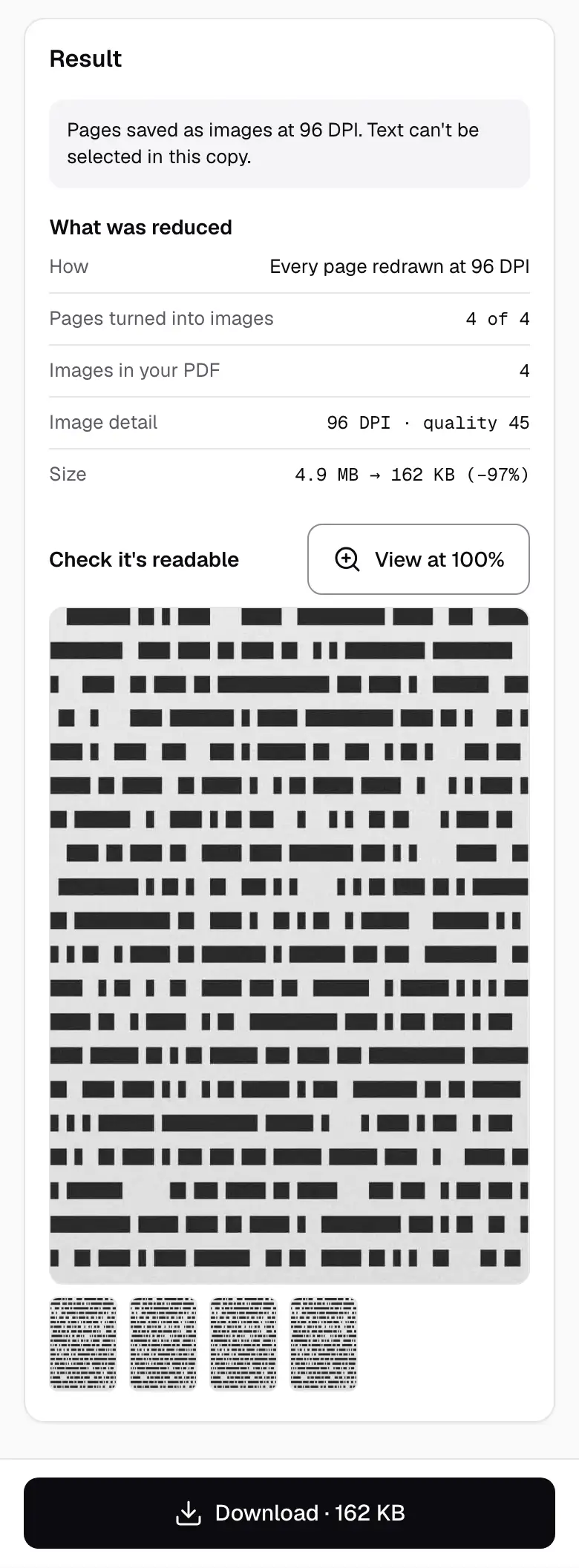
Drop your PDF above. We read it on your device, suggest a sensible target from its current size, and compress it straight away. You see the size before and after, and the first page exactly as it will look, so you can check it is still readable before you download. If the form you are filling needs a specific limit, tap a chip — 100 KB, 200 KB, 500 KB, 1 MB — or type your own.
Two ways to compress
- Make it under a size. The reliable way to hit a hard limit. Pages are redrawn as images at the highest sharpness that fits your target. Text stops being selectable, which upload portals never check, but the pages stay readable — we never go below readable sharpness just to hit a number.
- Keep text selectable. A gentler mode that re-saves the PDF and squeezes the images inside it, leaving text and links working. Savings depend on the file; scanned documents usually need the first mode.
If a target is impossible without making the pages unreadable, we tell you so and give you the smallest readable file instead, so you can decide what to do rather than upload something illegible.
Scanned documents, marksheets and bank statements
Most PDFs that are too big are scans: marksheets, certificates, salary slips, signed forms. A scanner at high quality easily produces 5 MB for a few pages, while portals commonly cap uploads at a few hundred KB. Scans compress very well, because each page is one photograph — a 5 MB scan typically fits under 200 KB while staying perfectly readable.
Password-protected PDFs
Bank statements and some official PDFs open only with a password. Enter it when we ask and the compressed copy is saved without the password, which most portals require anyway. The password is used on your device only.
Private by construction
The whole job runs in your browser. Your PDF — marksheet, statement, ID — is never uploaded anywhere. There is no queue and no waiting on a slow connection, and the file stays yours.
Filling a government form?
Exam and government portals often pair a PDF limit with photo and signature rules. Our Sarkari tools know the rules for exams like IBPS, UPSC and NEET, and the upload checker will tell you whether a file passes before you submit.
Questions people ask
Will my PDF still be readable after compression?
Yes — that is the one thing we refuse to sacrifice. You see the first page at full size before downloading, and if your target is impossible without blur, we say so and give the smallest readable file instead.
Why is text no longer selectable after compressing?
To hit a hard KB limit we redraw pages as images, and image pages have no selectable text. Upload portals don’t check for selectable text. If you need it kept, use "Keep text selectable" — the saving is smaller but text keeps working.
Can I compress a password-protected PDF?
Yes. We ask for the password, open the file on your device, and save the compressed copy without the password. The password is never sent anywhere.
What is the biggest PDF I can compress?
Up to 200 MB on a computer. On phones we suggest staying under about 50 MB, because the work happens in your phone’s own memory.
Is the PDF uploaded to your server?
No. Compression runs inside your browser, on your device. Nothing is uploaded, which is also why it starts instantly.