Compress and resize any photo
Shrink a photo to 20 KB, 50 KB or any size you need.
Your last job here stopped before it finished
The phone probably ran out of memory. Lighter settings are now on for this tab, so try again — or split a big PDF into parts first.
or drop them here
Your photos never leave your device.
Exact size and more options
Used for cm, mm and inch. Most forms use 200.
One tool for size and KB together
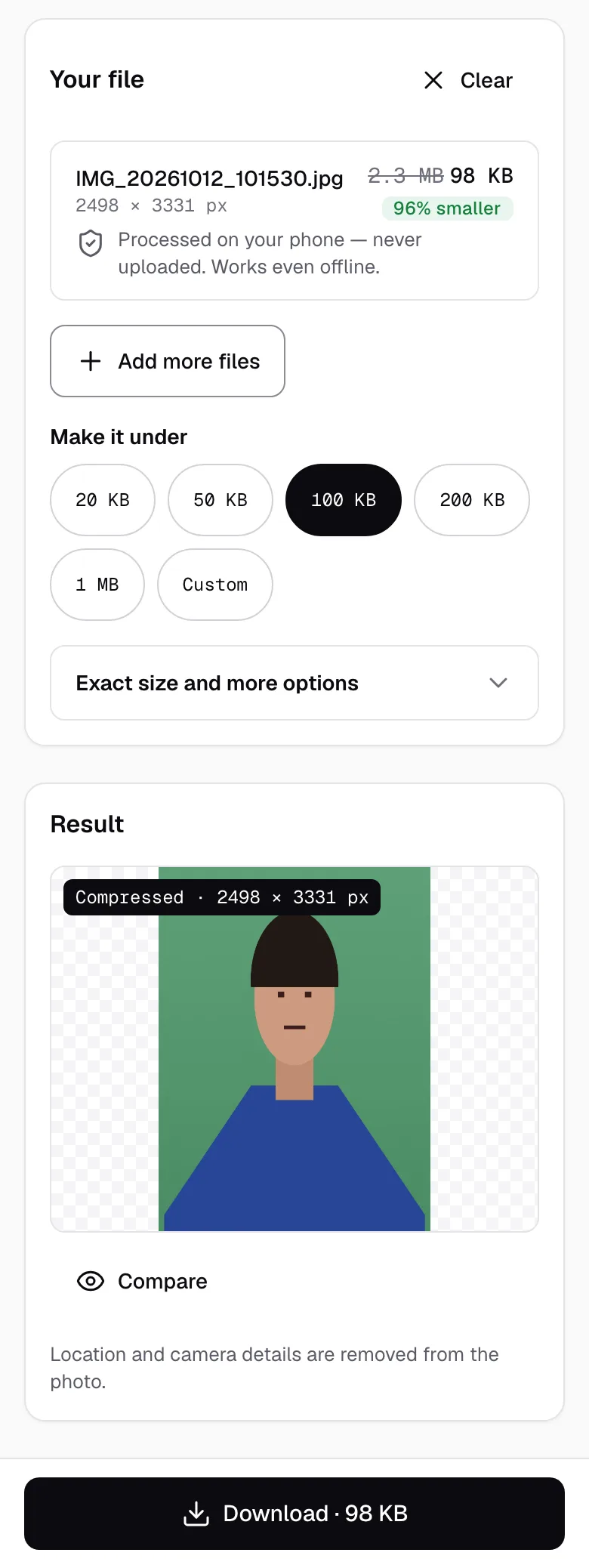
Most image tools shrink either the file size or the dimensions. Forms usually demand both at once — say 200 × 230 pixels *and* 20–50 KB. This tool does both in one pass: drop a photo, pick a target like 50 KB, and if the form also wants exact dimensions, open Exact size and more options and type them in pixels, centimetres, millimetres or inches. For cm, mm and inches we convert using the DPI you give (many Indian forms use 200).
What happens to your photo
- We keep it upright, even if your phone saved it sideways.
- We first try the highest quality that fits your KB target, and only reduce pixels when quality alone is not enough — so faces and text stay clear.
- If the photo is a different shape than the size you asked for, we crop from the centre, or fit the whole photo inside a white border if you prefer.
- Location and camera details hidden inside the file are removed, and the result is a plain JPG that every form accepts.
- If a form has a minimum KB too, set it and we make sure the file lands inside the range.
Phone photos, including iPhone HEIC
A photo straight from a modern phone is 2–8 MB — fine for memories, far too big for a form. Drop it as it is: JPG, PNG, WebP and iPhone HEIC all work, and HEIC support loads automatically the first time you need it.
Many photos at once
Add up to 50 photos together — a whole set of documents photographed one by one, for example. They all get the same settings and download as a single ZIP, or share them straight back to WhatsApp.
Nothing is uploaded
The compressing happens in your browser, on your device. Your photos are never sent to us, which is why the tool is fast even on a weak connection and why there is no file-count limit games or sign-up wall.
For exam photos, use the preset tools
If this photo is for an exam or government form, the exam photo maker goes further: it finds your face, centres it, makes the background white and checks every rule for exams like IBPS, UPSC and NEET. Already have the file? Check it before you upload.
Questions people ask
Which image formats can I compress?
JPG, PNG, WebP and HEIC (iPhone) photos all work. The output is a standard JPG, which is what forms and portals expect.
How do I get an exact size like 3.5 × 4.5 cm?
Open "Exact size and more options", choose cm as the unit, type 3.5 and 4.5, and set the DPI your form mentions (many use 200). We show the resulting pixels before you download.
What if my photo becomes smaller than the form’s minimum KB?
Set the minimum under more options. If the compressed photo lands below it, we pad the file up to the minimum without changing how the photo looks.
Can I compress many photos at once?
Yes, up to 50 in one go. They all use the same settings and download together as one ZIP file.
Does the quality suffer?
We always try quality-preserving steps first and show you the result before download. For form-sized photos, targets like 50 or 100 KB look sharp.